In the latest iOS 17 update, NameDrop, similar to AirDrop, allows users to share contact information quickly with nearby iPhones and Apple Watches, instead of handing the phone over to exchange information, but the new feature is raising safety concerns.
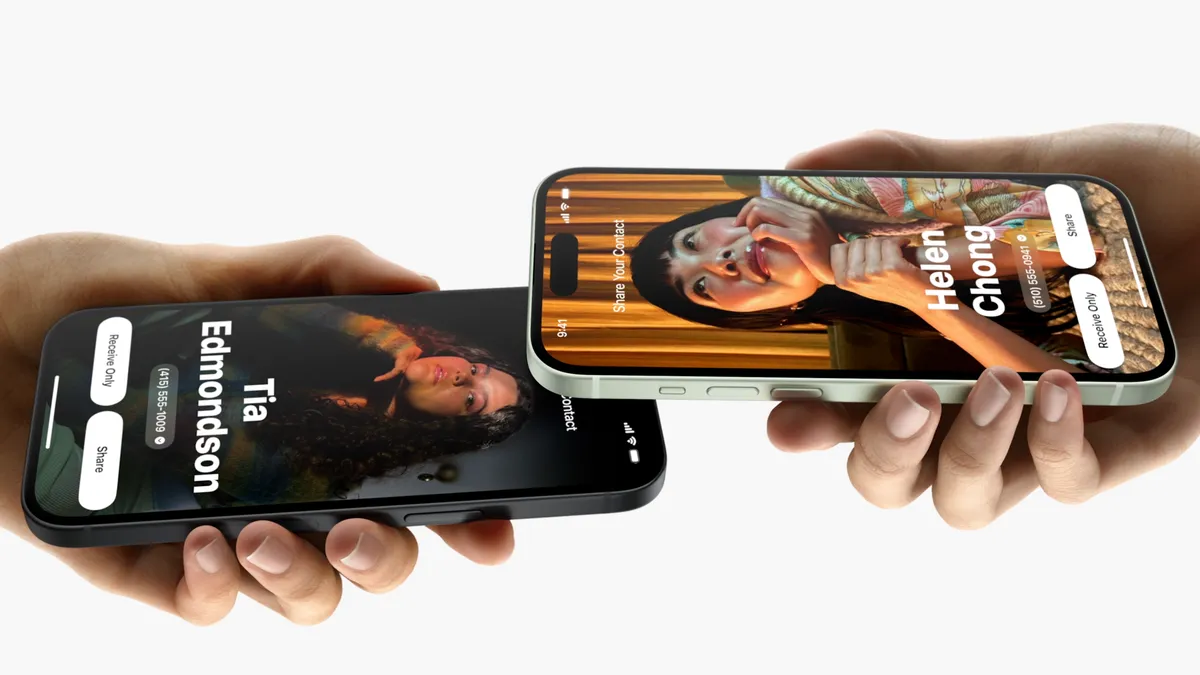
To share, the user holds the display of the phone “a few centimeters” from the top of other devices and a “glow” will emerge from both to signify a connection.
Then the user can choose to share their contact card, and receive the other person’s. They can also choose to just receive the other person’s.
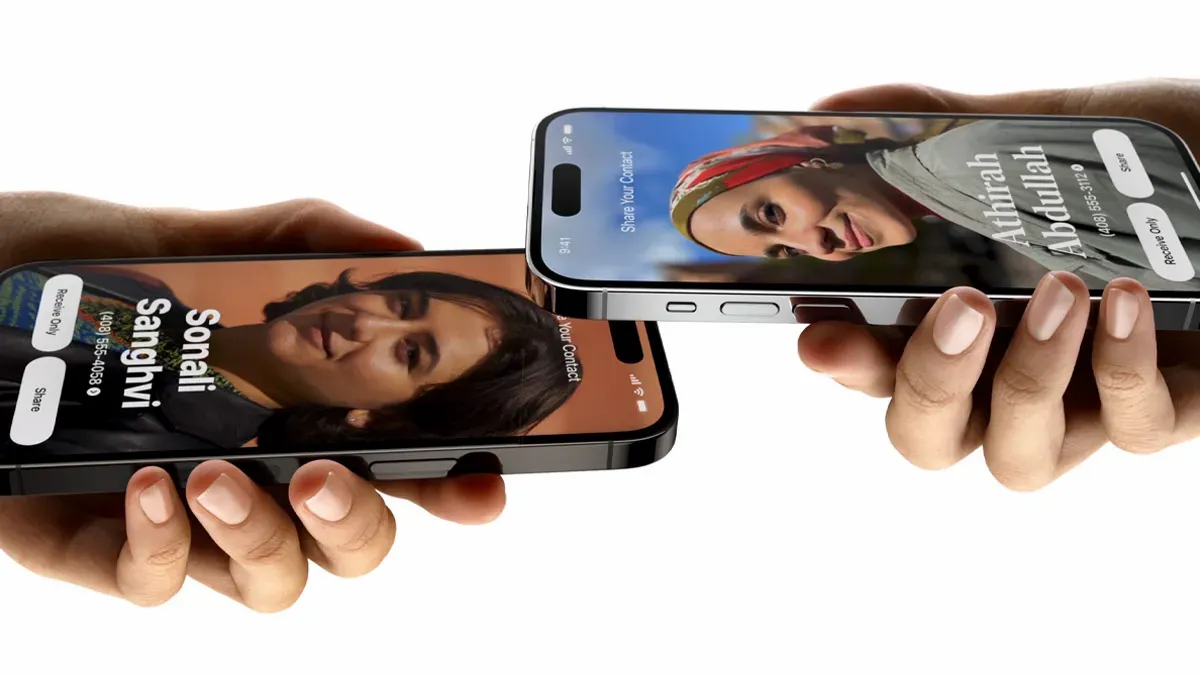
The options are only to receive or share, meaning if both choose to receive only, no user gets any information.
To cancel the connection, the users can move the devices away or lock the iPhone before the transfer completes.
Although it seems simple, many are warning people not to use the feature.
“Dear iPhone users: How to turn NameDrop off after update. 1. Go to Settings 2. Tap ‘General’ 3. Tap ‘AirDrop’ 4. Toggle ‘Bringing Devices Together’ to off. You’re welcome,” said one person.
“The NameDrop feature aims to make sharing contacts easy but at a privacy cost. Without knowing, you could be sharing your info with nearby iPhone users,” another warned.
“This means your iPhone could be oversharing without you realizing!”
It’s been reported many law enforcement agencies in the US have issued security warnings over the feature, noting it could “share your contact information by being next to another iPhone.”
They’ve also implied children could be in danger with the feature turned on.
These warnings have also been called a “tenuous truth” as the person receiving the information would need physical access to the unlocked iPhone.
“The real truth is that, despite being defaulted to an on position, the NameDrop feature isn’t just going to throw your contact details at any passing person with an iPhone.”
The iPhones with iOS 17 must be physically touching at the top of the phone, otherwise the Near Field Communication (NFC) wouldn’t work.
Also, contact information shared is contained in a self-created Contact Card, meaning the user is in complete control of what is shared.